42 mm Gridfinity system · scaled from a sheet of paper
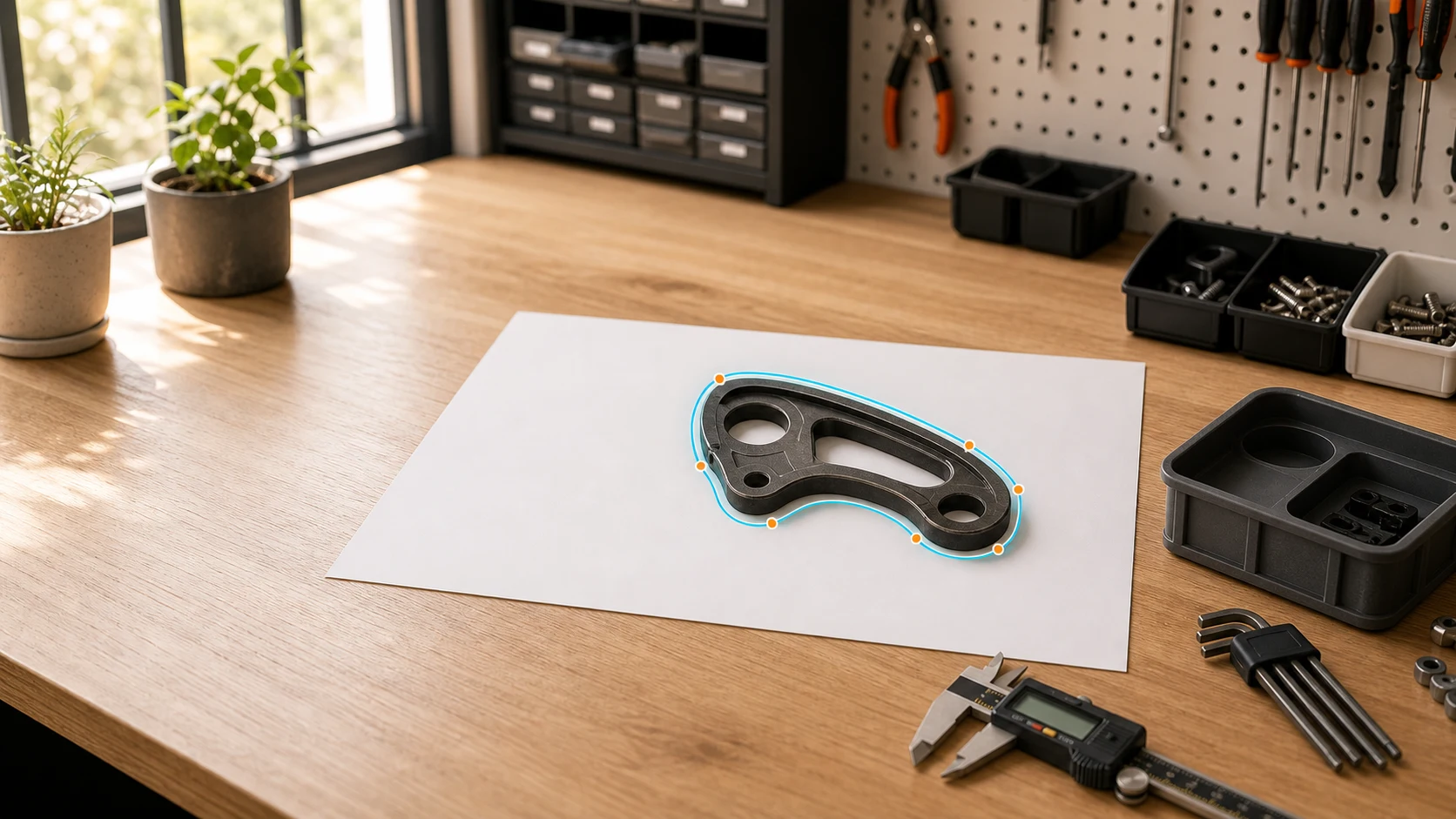
Turn a photo into a Gridfinity bin that fits.
Lay an object on a sheet of paper and take one photo. Tracemate finds the outline at real-world scale, you tune the fit, and the STL is ready to print.
Free to try. No credit card, no CAD experience needed.
- Grid unit
- 42 × 42 mm
- Scale reference
- A4 · A5 · US Letter
- Output
- STL, any slicer
- Fit adjustment
- 0.1 mm steps
From photo to printed bin in three steps.
Photograph your object on paper, let Tracemate find the outline, tune the fit, and export a print-ready Gridfinity insert.
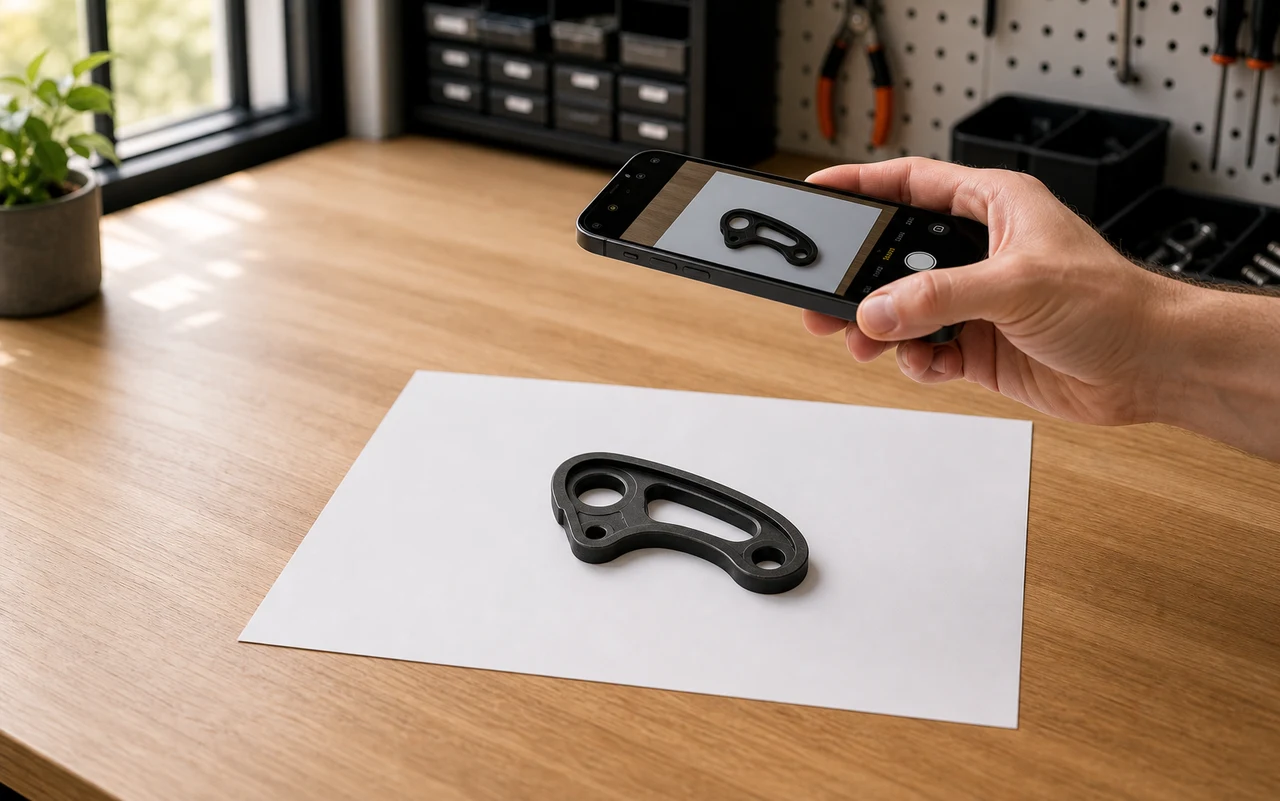
01
Photograph your object
Lay the object flat on a sheet of paper, take a clear photo from above, and the paper gives Tracemate the real-world scale.
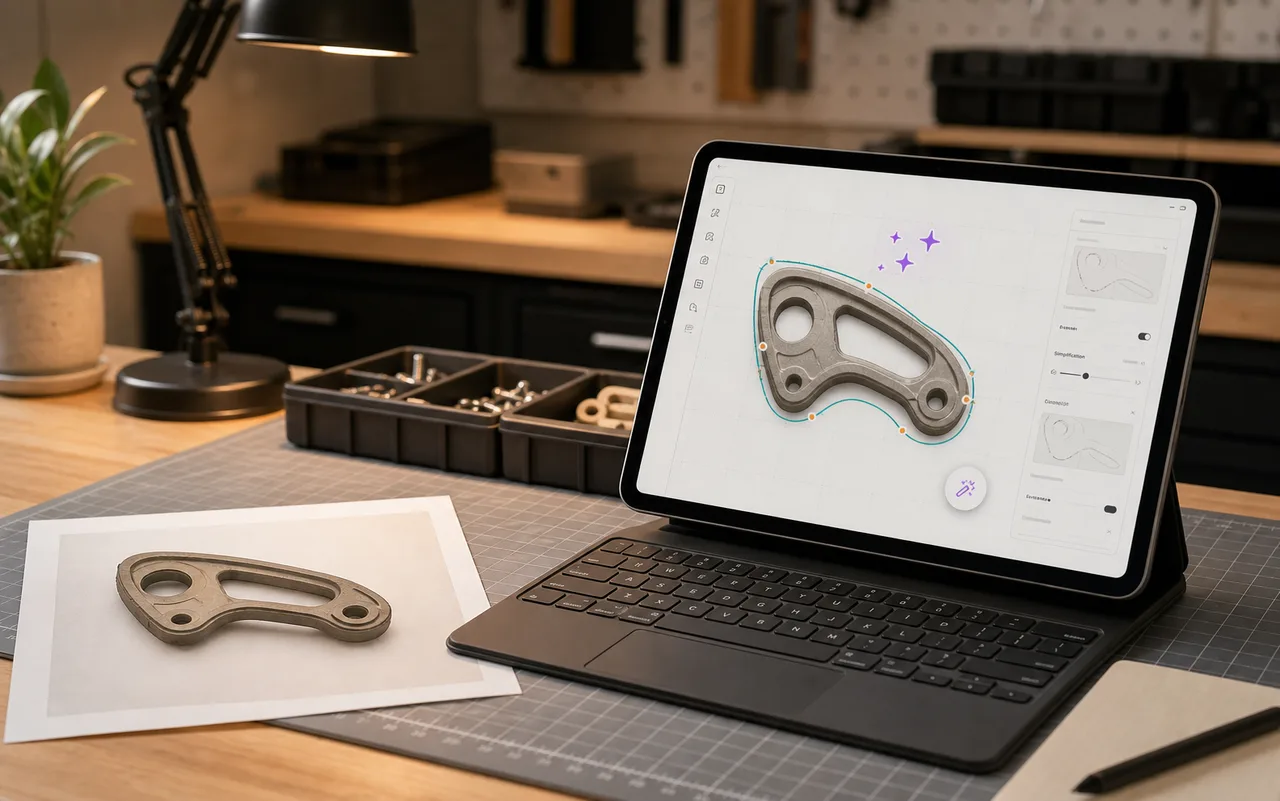
02
Confirm the trace
Tracemate finds the outline, shows the scale, and lets you clean up tricky edges before the bin is generated.
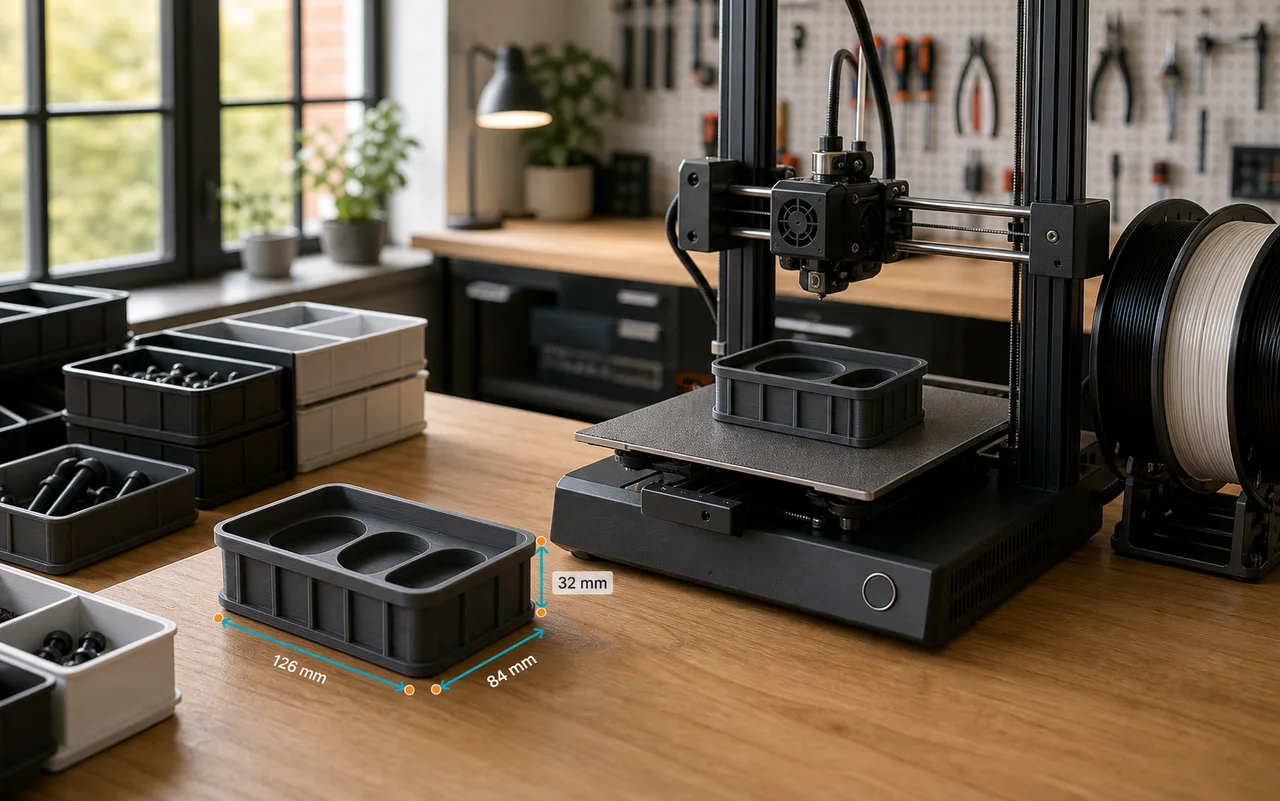
03
Generate and print
Review the Gridfinity insert, export an STL file, and print a custom-fit spot for the object.
Start your first bin
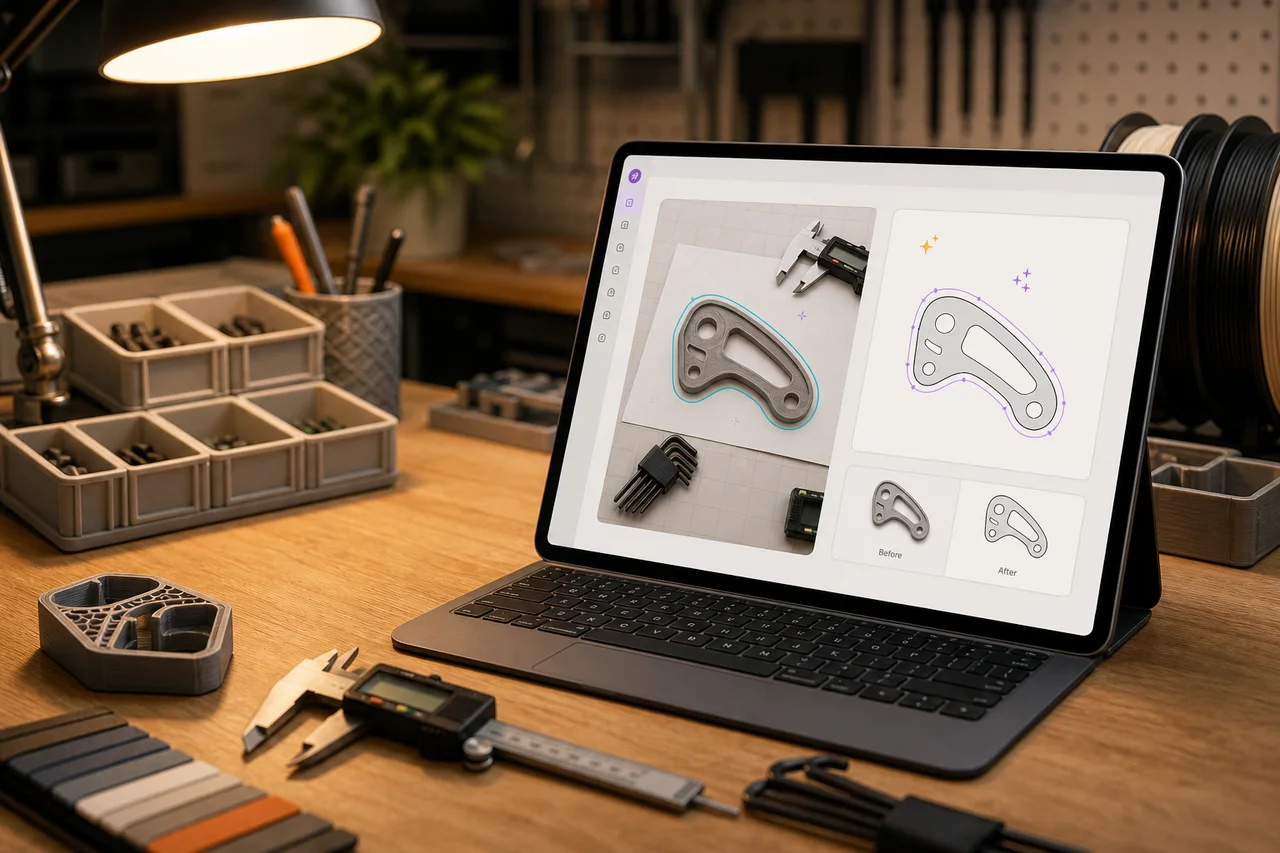
Trace tricky shapes with the AI Zauberstab
Use the AI Zauberstab when edges are hard to capture. It helps turn messy photos into cleaner cutouts with less manual cleanup.
- Helpful for rounded, reflective, or low-contrast objects
- Designed to reduce manual outline corrections
- Built directly into the Tracemate upload workflow
Everything between the photo and the print bed.
Tracemate handles detection, scale, and geometry. You decide how the bin fits.
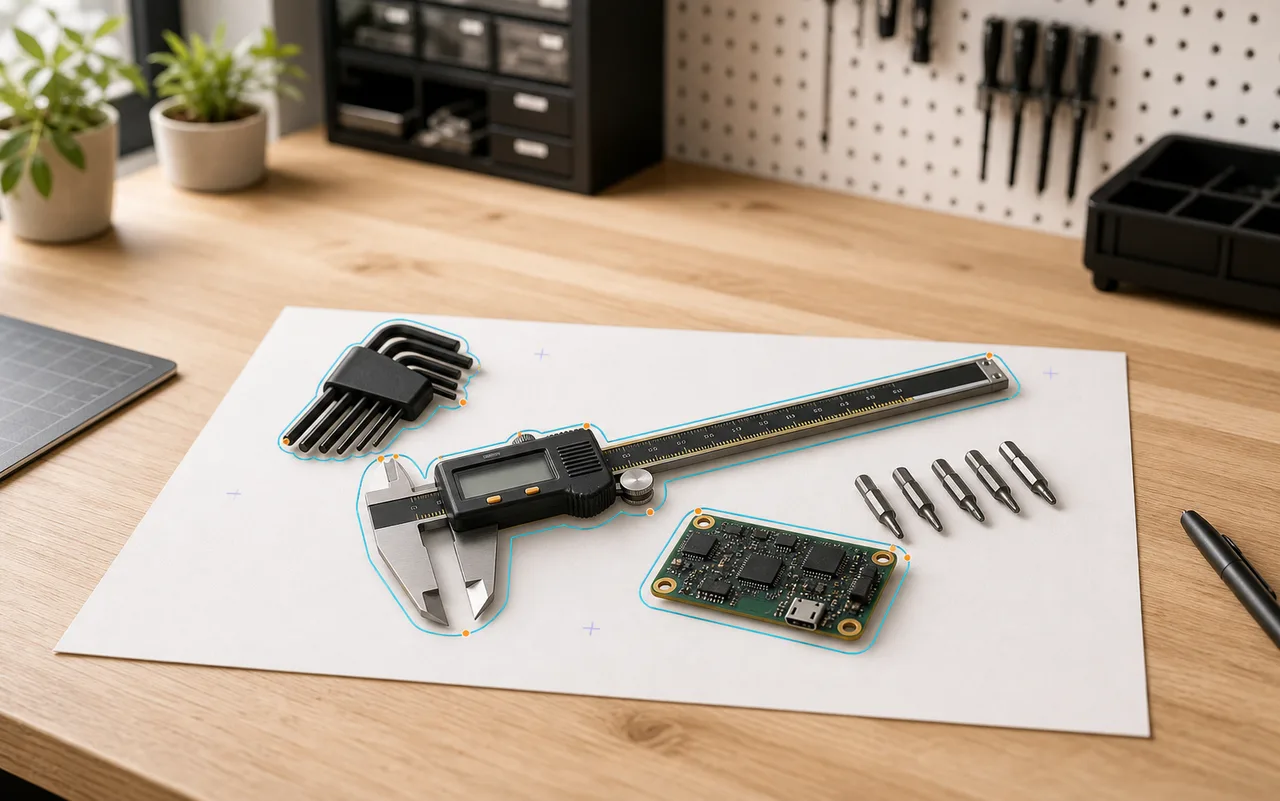
Every outline from one photo
Lay objects on a blank sheet of paper and photograph them from above. Computer vision finds each contour, and the paper itself sets the real-world scale: A4, A5, or US Letter.
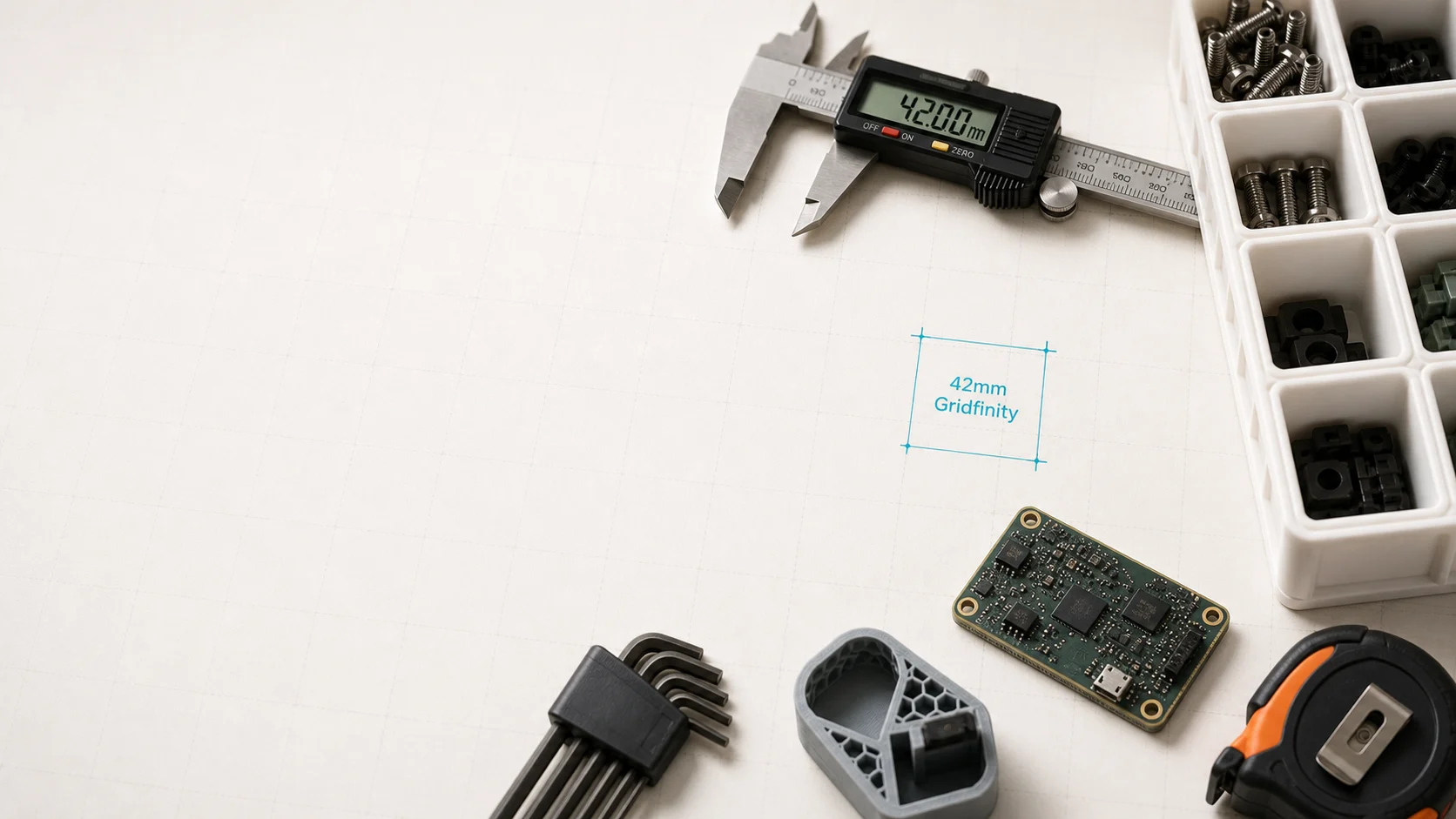
Calibrated in millimeters
Cutouts are generated at measured size plus the clearance you choose, so the printed bin holds the object snugly instead of approximately.
Fit parameters, not presets
Defaults get you printing fast; every value stays inspectable and adjustable before export.
- Wall thickness
- 0.4 – 5.0 mm
- Cutout clearance
- 0 – 5.0 mm
- Cutout depth
- 1 – 100 mm
- Cutout position
- ±50 mm, 0.5 mm steps
- Magnet holes
- ⌀ 6.5 × 2.4 mm
- Finger scoops
- position · length · depth
- Bin footprint
- 1×1 – 10×10 units
Gridfinity, to the spec
Bins follow the open 42 mm Gridfinity standard: stacking lip, 7 mm height units, 3.75 mm corner radius, optional magnet holes. They drop into any baseplate next to the bins you already printed.
STL out, any slicer in
Export a print-ready STL and open it in PrusaSlicer, Bambu Studio, Cura, or whatever runs your printer. No proprietary formats, no plugins.
Pay for the projects you download.
Everything in the editor is free. When you download a project's STL, one download unlocks it forever. Buy a pack of downloads or subscribe to Pro.
Buy a download pack or subscribe to Pro.
Get a pack of downloads for occasional projects, or subscribe to Pro when Tracemate is part of your regular workshop flow.
One download unlocks a project forever.
Downloading a project's STL the first time uses one download. Re-downloads after edits are always free.
Unlimited projects with any paid plan.
The free plan includes three projects with the full editor. A pack or a Pro plan removes the limit.
AI features are included.
On-device object detection and automatic naming are included on every plan, at no extra cost.
Starter pack
For occasional projects. Buy downloads when you need them.
10 project downloads
- 10 project downloads
- Downloads valid for 12 months
- One-time purchase, no subscription
- AI detection and naming included
Pro
For makers who download across many projects.
10 project downloads each month
- 10 downloads a month, 120 up front on the yearly plan
- Unused downloads roll over for up to 12 months
- Unlimited projects
- AI detection and naming included
Payments are processed by Polar. Your downloads are available immediately after purchase; by buying you consent to this immediate delivery and acknowledge that your 14-day right of withdrawal ends. See the Terms of Use.
Frequently Asked Questions
Can't find what you're looking for? Contact our support team
Your next bin is one photo away.
Upload the photo, confirm the outline, and check every millimeter before you export.
No CAD setup · Free to try · Download when you are ready